 MY BOWLING JOURNEY
Most leagues bowl the same shot every week. Set it once on the league and every night you don't record a pattern for goes under it, so your pattern numbers are right without typing it each week.
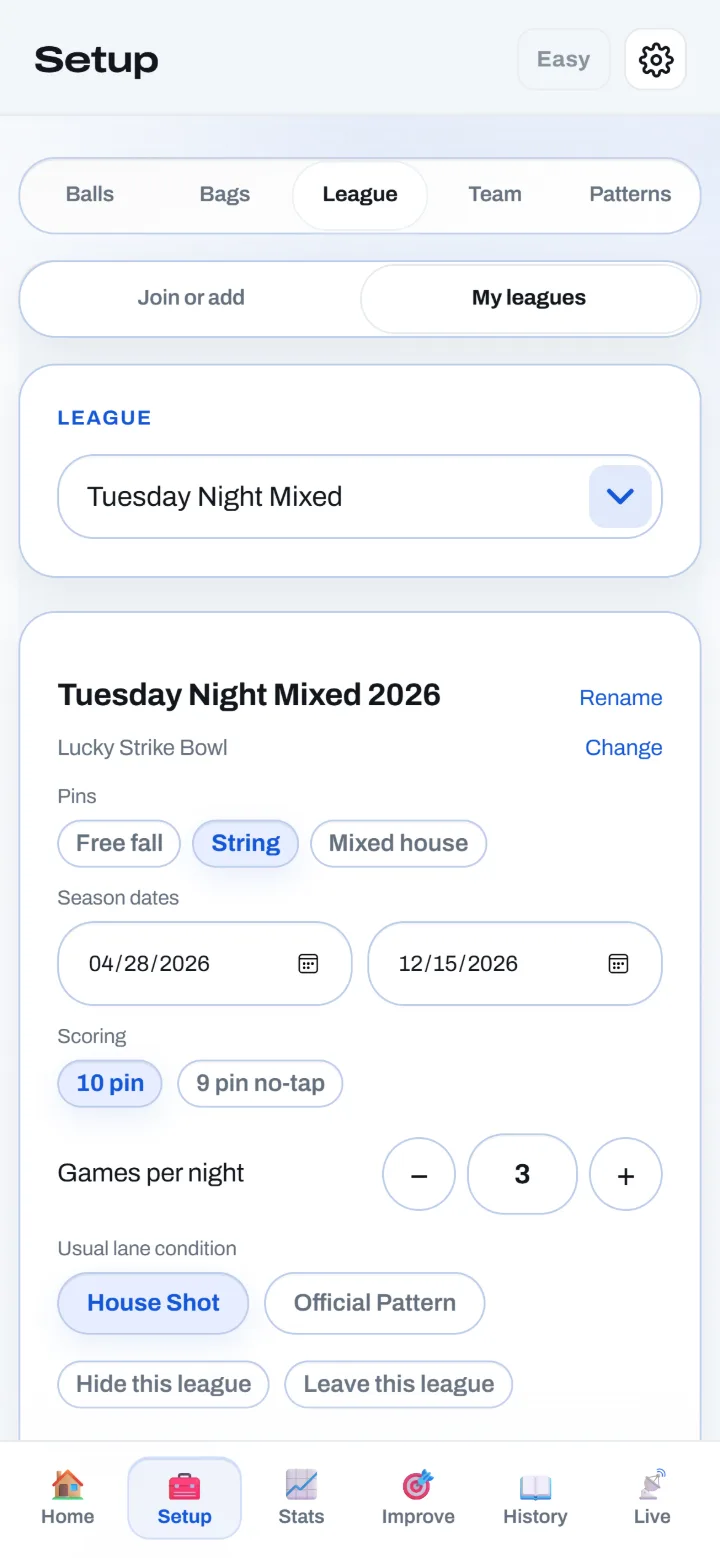
Set a league's usual pattern
- Tap Setup, then League, then My leagues.
- In two leagues or more? Pick the league in the League box.
- Under Usual lane condition, tap House Shot or Official Pattern.
- With Official Pattern, type the pattern's name. Your own patterns come up first, and from the second letter, the catalog's too. Tap one, or keep typing: a name that isn't listed is kept as you typed it.
- It saves when you leave the box.
To go back to the house shot, tap House Shot. The name is cleared.
Leave the name blank if the league moves from pattern to pattern, and set each night's on its Set up instead.
How it's used
- It's the pattern for any night in that league you don't record one for. With none set, a night is drawn with the center's house pattern if it has one. See Bowling centers.
- On a night's Set up, a line under the lanes names it. What you set on Set up is for that night only, and it wins. See The Set up screen.
- It's saved with the league, so everyone in the league on the app has the same one.
- It goes into My patterns straight away.
A tournament's pattern
A tournament's set up asks What's the pattern? Every day of the event bowls it.
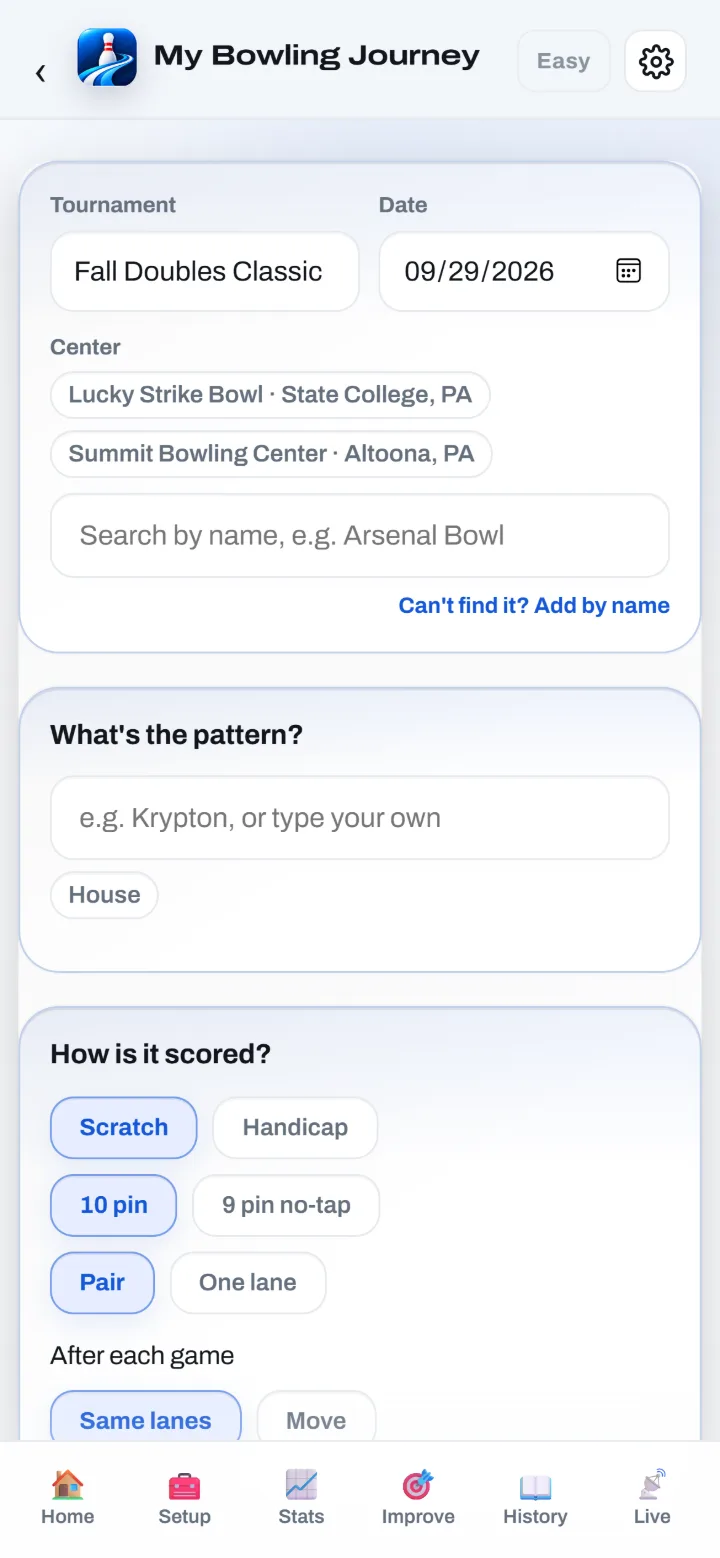
- Type the pattern's name. Your own patterns and the catalog's come up as you type. Tap one.
- Or tap House for the house shot.
- A published pattern shows its numbers under the box.
- A name it doesn't know? Once you leave the box, tap "+ Save "(name)" for next time" to keep it in My patterns, with its length, ratio and volume if you know them, then tap Save.
If you've bowled the pattern at an earlier tournament, a line under the box shows how you did, like "Your history: 212 avg over 12 games · 2/3 cuts". Tap it for your average, high and low, and each day you bowled it.
The rest of the set up: Setting up a tournament.