MY BOWLING JOURNEY
Home is where the app opens. It shows how your season is going, and it's where you start a night. While a night is under way (not in Easy mode), Home becomes the scoring screen, so you're always one tap from it.
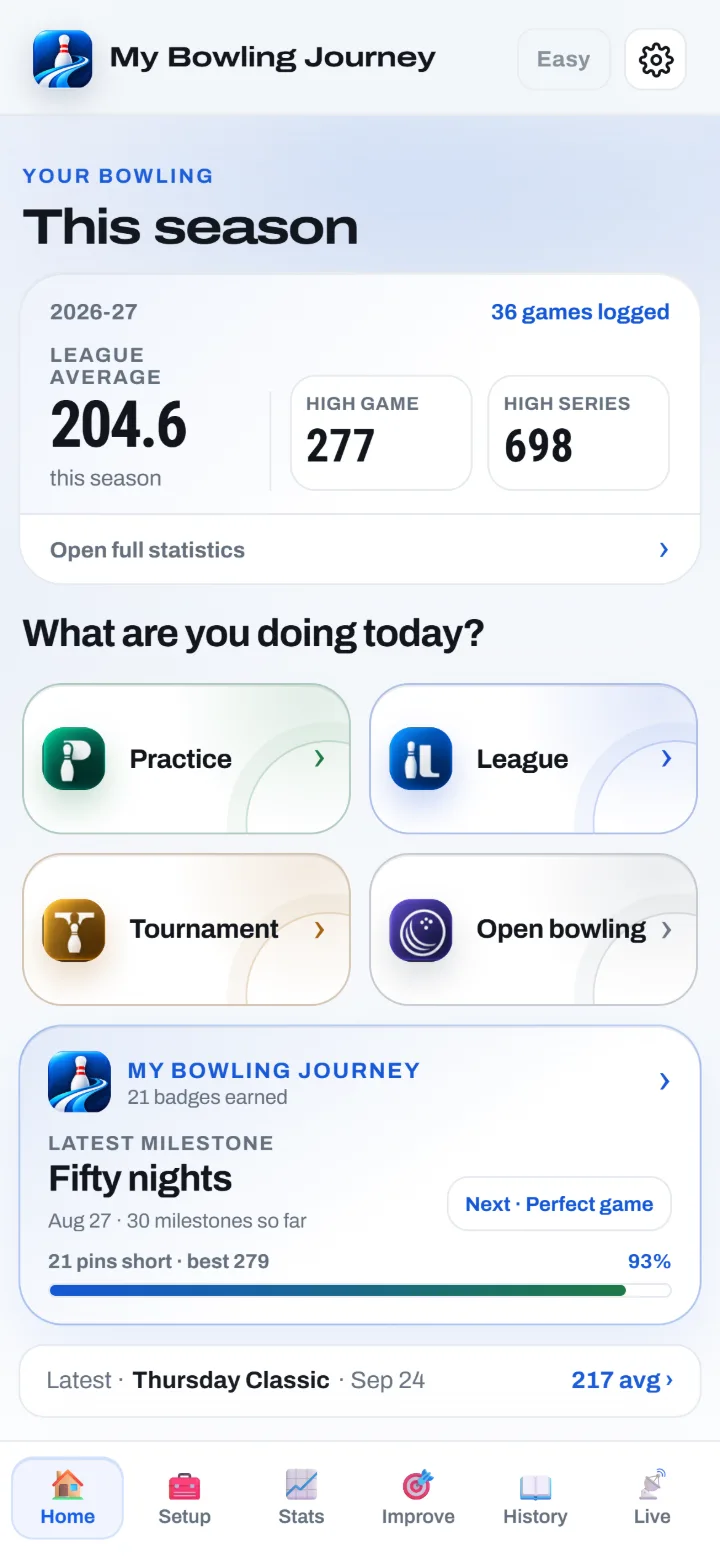
The top of the screen
- The gear (Settings): your profile, account, notifications, help and more.
- Easy: turns Easy mode on and off. See Easy mode and the full app.
- Pro: shows only if you don't have Pro. It opens the Pro screen.
- The inbox tray: shows with a number only when something is waiting for you, like scores a teammate entered for you, a friend request or a team invite.
On other screens, the arrow (‹) at the top left takes you back to where you came from.
This season
Under Your bowling, the This season card shows the season (like 2026-27), how many games you've logged in it, and three numbers:
- League average: league games only. Practice, open bowling and tournaments never count. Nights you bowled as a sub don't count either, unless they're all you have. A 9-pin no-tap league gets its own average on the line underneath.
- High game and High series: your best game and best three-game series this season. A tournament game can count too, unless it was Baker or 9-pin no-tap. 9-pin no-tap league games don't count here.
- A small ×2 beside a number means you've matched that score twice (×3 three times, and so on).
The season runs from 15 August to 15 May. From 16 May to 14 August, it's the summer season.
Between seasons, when none of your leagues' seasons is on, the card is Your career instead. It counts every league night you've bowled, with how many games and seasons, and says Between seasons, or All league play if none of your leagues has Season dates set.
Tap the card (Open full statistics) to open Stats.
What are you doing today?
Four cards: Practice, League, Tournament and Open bowling. Tap one to start that kind of night. See Starting a session.
The journey card
The My Bowling Journey card shows how many badges you've earned, your Latest milestone with its date, and the next one in reach with a bar showing how close you are. When your Season in Review or Year in Review is ready, the card says so.
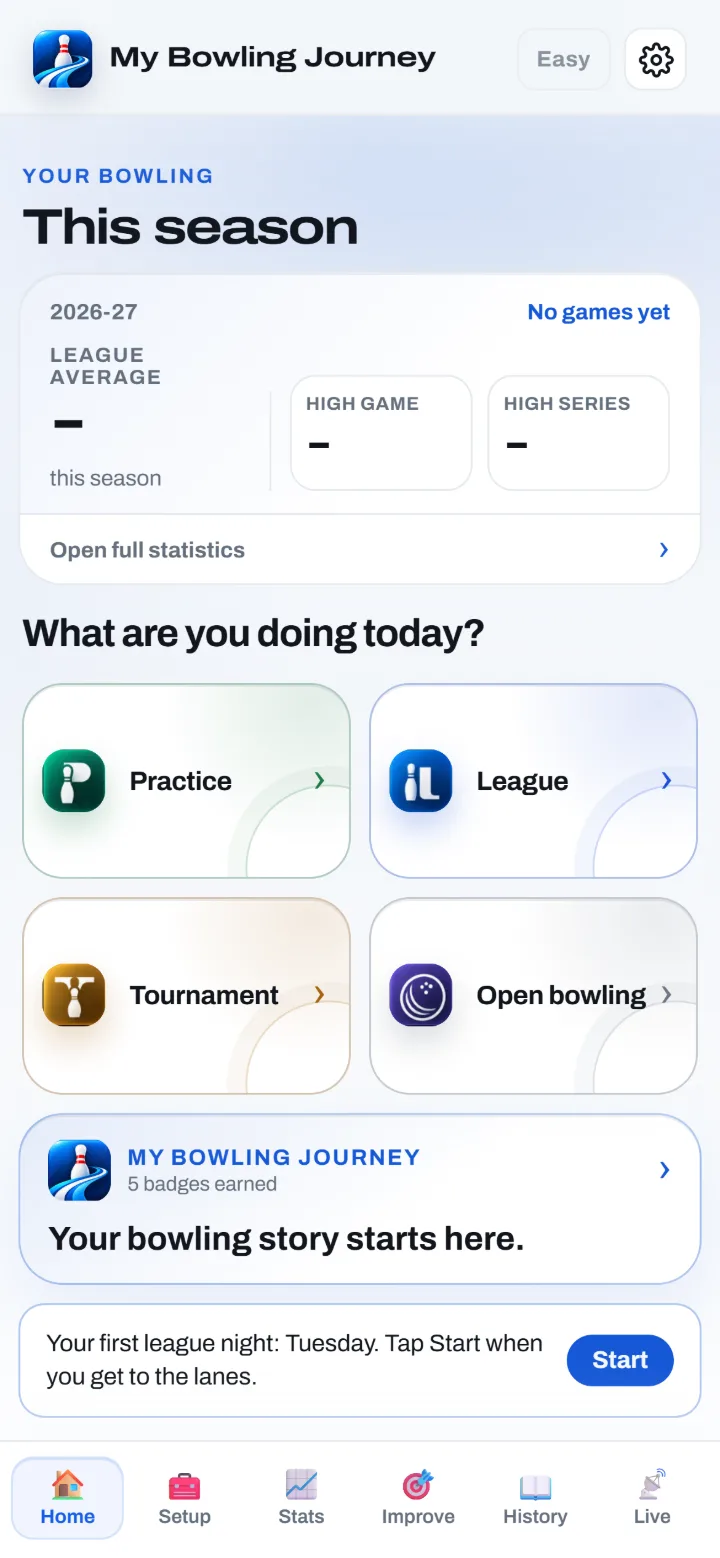
Tap it to open Journey: all your milestones and badges. Before your first milestone it reads "Your bowling story starts here."
The Latest row
One line for your most recent league night, practice or tournament: Latest ·, its name, the date and your average that night. Tap it for that night's Results.
- Upcoming ·: a night dated after today. A league night you've already prebowled opens its Results. One not bowled yet opens Set up on its own date, with ✓ Prebowling lit. A tournament you set up ahead opens its set-up.
- Now ·: a tournament dated today that isn't finished. Tap it to open the part you're bowling.
- A tournament can also show how far you got, your team's total and how it finished.
- Open bowling nights don't show here.
Your first league night
Once you've added or joined a league and the app knows its night (the night you picked when you added or joined it, or the league's start date), Home shows a line like "Your first league night: Tuesday. Tap Start when you get to the lanes."
Tap Start when you're at the lanes. It opens the same thing as the League card. The line goes away once you save a night with scores in one of your leagues.
In the app on your phone, Home may also ask whether you want a reminder before league night. See Reminders.
Enter last week's scores
Until you've logged your first game, Home shows "Enter last week's scores and see your average, high game and series." Tap Enter scores: your league night opens on Game Tracking, dated the last time your league bowled (a week ago if the app doesn't know your night yet). Type each game and tap Save game 2 (it names the game). After the last game, Results shows your series and new average; tap Save and end league night. Home then shows your average, high game and high series. With no league, it shows once you've picked Practice or Open bowling, and opens that.
The line goes away once you log a game. Tap × to put it away for good.
Which night does your league bowl?
If you added your league before the app asked, Home asks once: Which night do you bowl? Tap the night, change Starts at if it doesn't start at 7:00 PM, and tap Save, or tap Skip. On a phone, the reminder question may come next. See Reminders.
Other cards that come and go
- A night with no league yet: you bowled before setting up your league. Tap Link to put it under your league or team.
- Ball care due (Pro): a ball that's due for a resurface or an oil extraction. Tap Done to open that ball in Setup.
The bottom tabs
- Home: your season, the mode cards and your latest night. During a night (not in Easy mode), the scoring screen.
- Setup: Balls, Bags, League, Team and Patterns. See Your first league and Balls, oil patterns and centers.
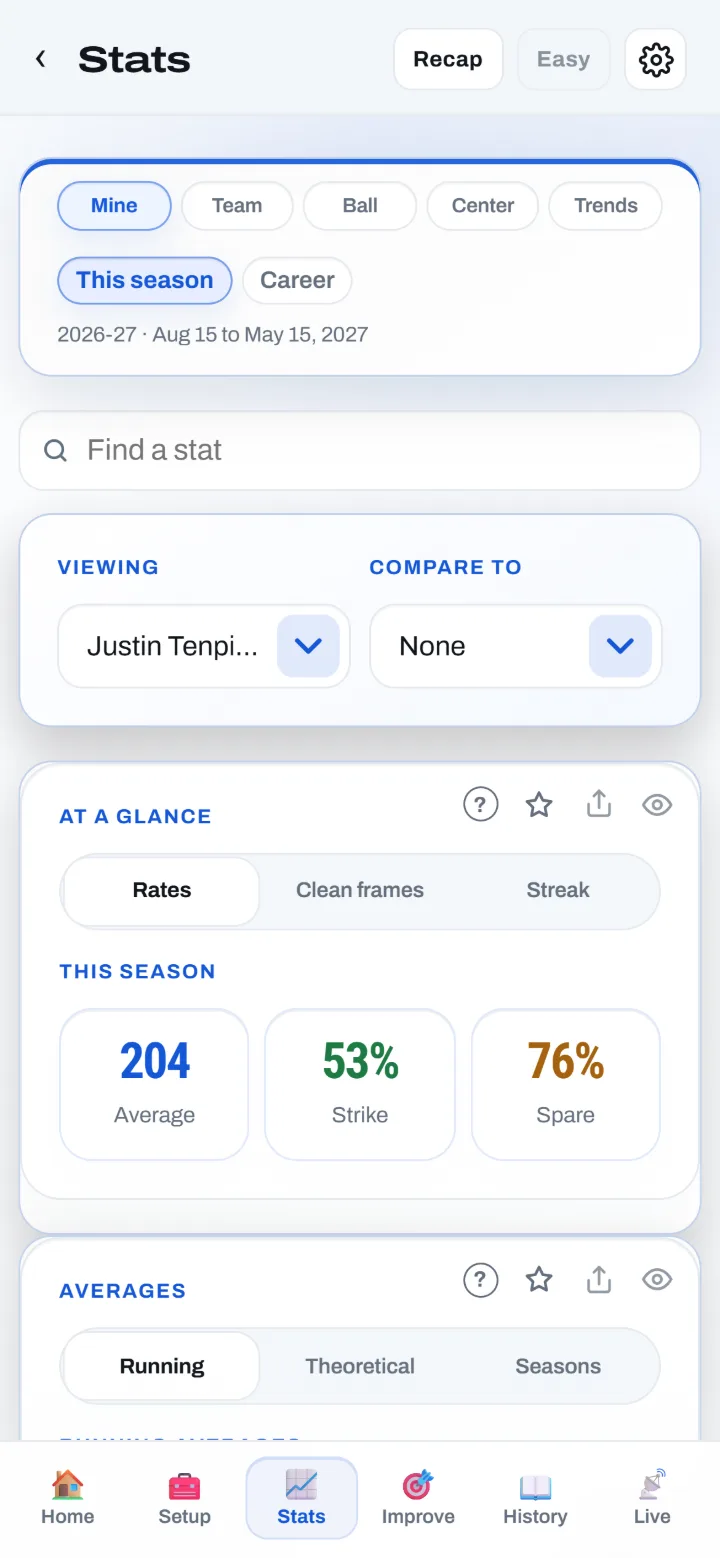
- Stats: Mine, Team, Ball, Center and Trends, for This season or your Career. The Recap button at the top opens your Weekly Recap. See Your stats.
- Improve: AI, Goals (with practice drills) and Coach. A red number on the tab means something new is waiting there. See Improve.
- History: Sessions, Season, Calendar, Journey and Journal. Every night you've bowled. See After the night.
- Live: On the Lanes, the scores at a bowling center tonight as they're bowled. See Live sharing.
In Easy mode the bar is Home, Stats, History and Live. During an Open bowling night it's Home, Bowl and Live.