 MY BOWLING JOURNEY
New to the app, or curious what it looks like with a full season in it? The example account opens the app on Justin Tenpin's made-up season. Look at every screen, tap anything, try things out. Nothing is saved, and your own account isn't touched.
Turning it on
- On Home, tap the gear (Settings) at the top right.
- Tap the Help and About tile.
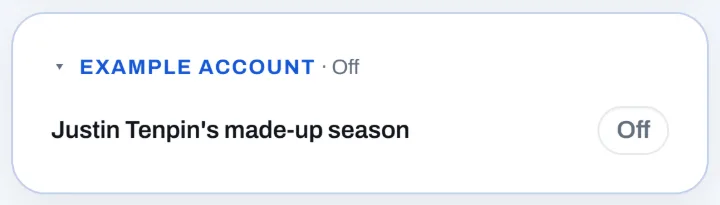
- On the Example account card, tap Off.
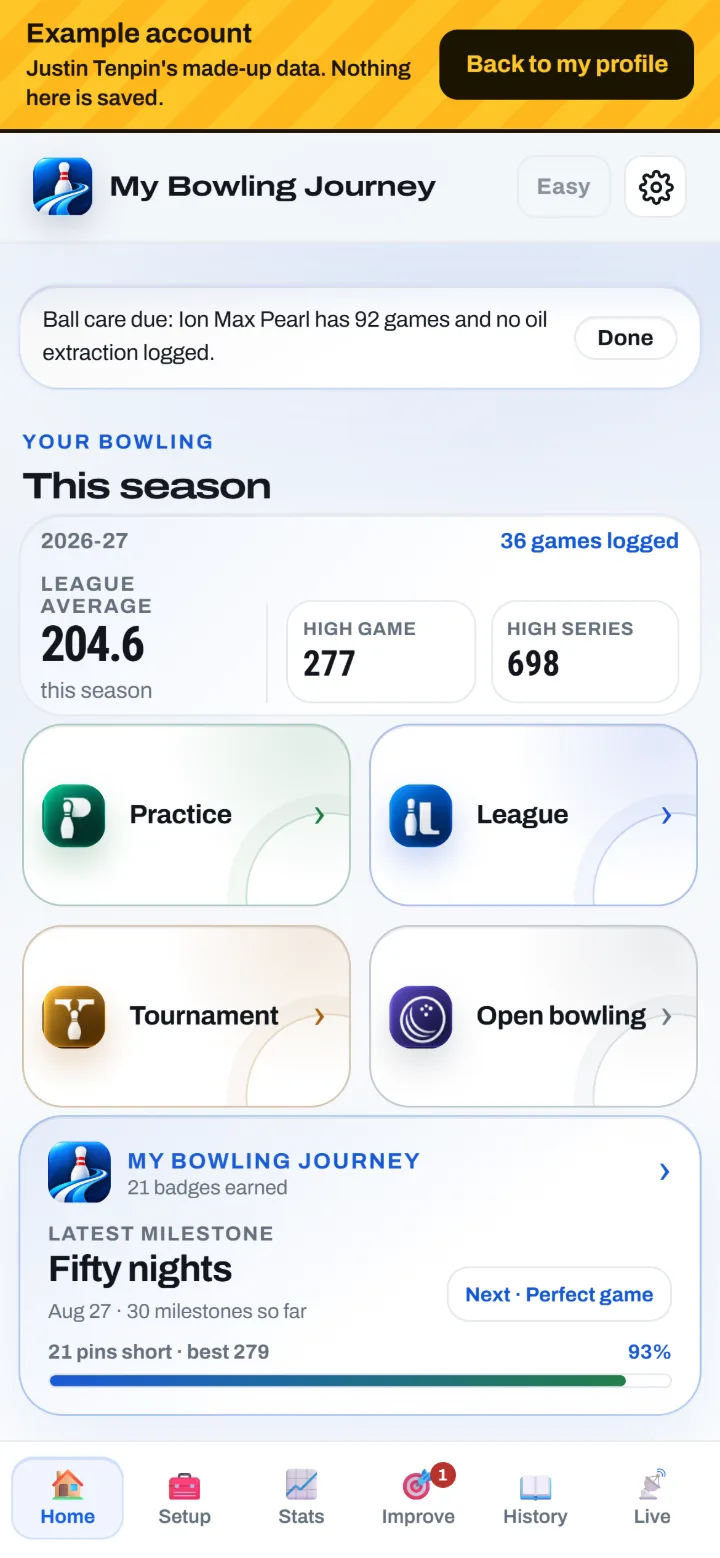
The app opens on Justin's Home, with the example account banner across the top.
You'll also find Preview an Example Account on the screen right after you finish setting up.
What's in it
- League nights in two leagues, Tuesday Night Mixed and Thursday Classic.
- Tournaments, practice with drills, open bowling with friends, his balls and bags, and oil patterns.
- A night under way in every mode, dated today. Tap a mode card on Home to see one in the middle of being scored:
- League: Tuesday Night Mixed, game 1 bowled and game 2 up to the 5th frame, with side games.
- Practice: frames up to the 6th, two drills done and a third under way, and an accuracy set.
- Open bowling: Justin and three friends, Rollin Stone, Ella Gator and Kingston Pinn.
- Tournament: the Pinbury Fall Classic, three of six games bowled and the fourth under way, with brackets and side pots.
- Live shows a made-up night at Pinbury Lanes, with Justin bowling on one of the teams.
- Pro is unlocked, so you can see everything Pro adds. On Stats, the cards that need Pro are marked Pro.
- It opens with Easy mode off, so you see the full app.
The banner
While it's on, a striped yellow banner runs across the top of every screen. It says Example account, "Justin Tenpin's made-up data. Nothing here is saved." and has a Back to my profile button.
Turning it off
- Tap Back to my profile on the banner. Your own app opens on Home.
- Or go to Settings > Help and About and tap On on the Example account card.
Signing out while you're in it just takes you out of the example. You stay signed in to your own account.
Nothing is saved
- Nothing you add, change or delete reaches your account or stays on your phone.
- Your own app is just as you left it when you come back, including anything that was still waiting to send.
- Settings you change in it last only until you leave.
- The example doesn't set reminders, change the home screen widget or let you buy anything. Your own reminders and notifications still come as usual.
- Things that need our servers, like the AI tools and Scorecard Snap, are turned off. The app tells you so if you try one.