MY BOWLING JOURNEY
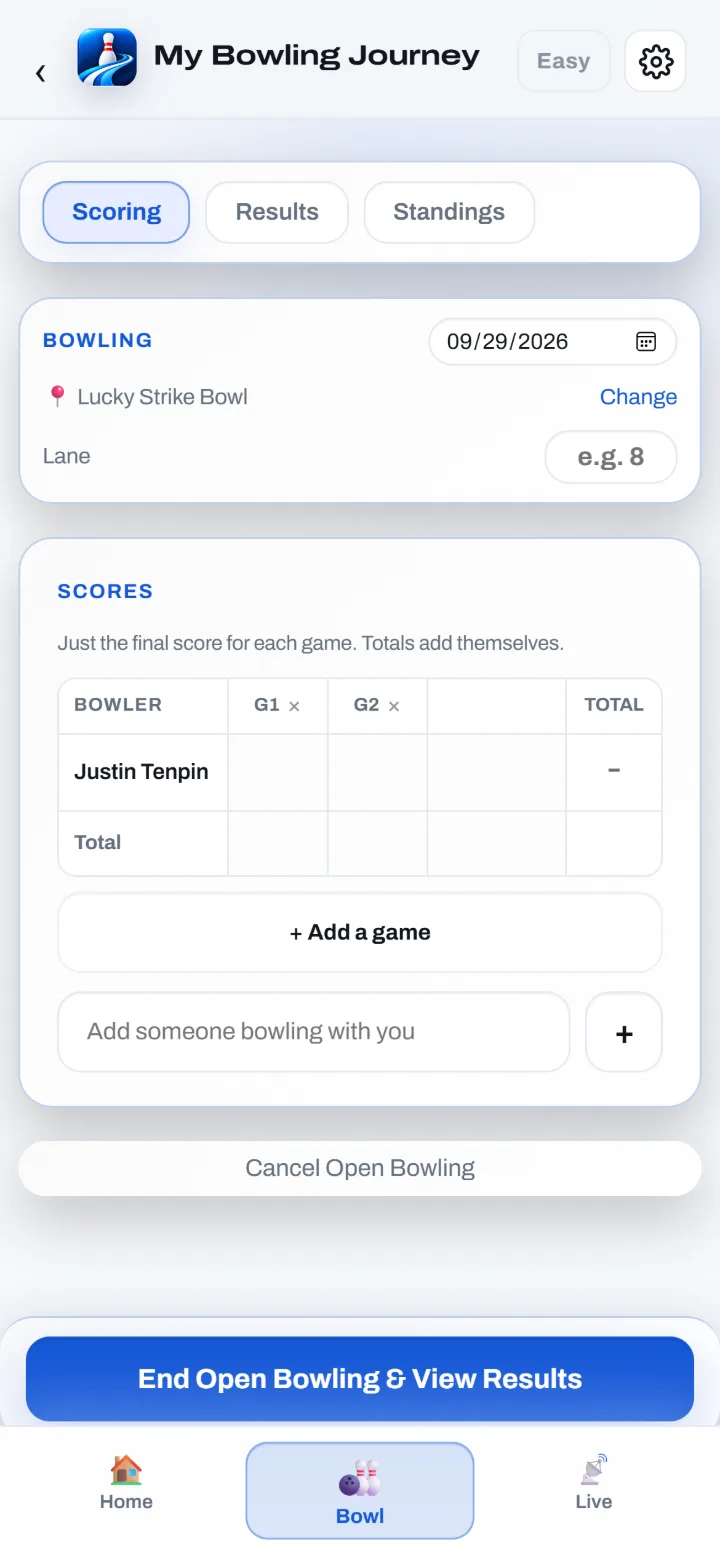
Tap Open bowling on Home. It's scores only: one number per game for each person bowling.
Score a night with friends
- Check the Bowling card under the Scoring and Results tabs: the date, your bowling center and the lane.
- The table under Scores starts with two games. Tap + Add a game for more.
- Add the people bowling with you: type a name in Add someone bowling with you and tap +.
- Type each final score. The totals add themselves.
- When you're done, tap End Open Bowling & View Results, then Save & Finish Open Bowling.