MY BOWLING JOURNEY
Forgot what a tab does, or want to see how something works before league night? There are three ways in, all free: walkthroughs that step you through the app, short how-to videos, and Help, which you can search.
Walkthroughs
- Tap the gear (Settings) at the top right.
- Tap the Help and About tile.
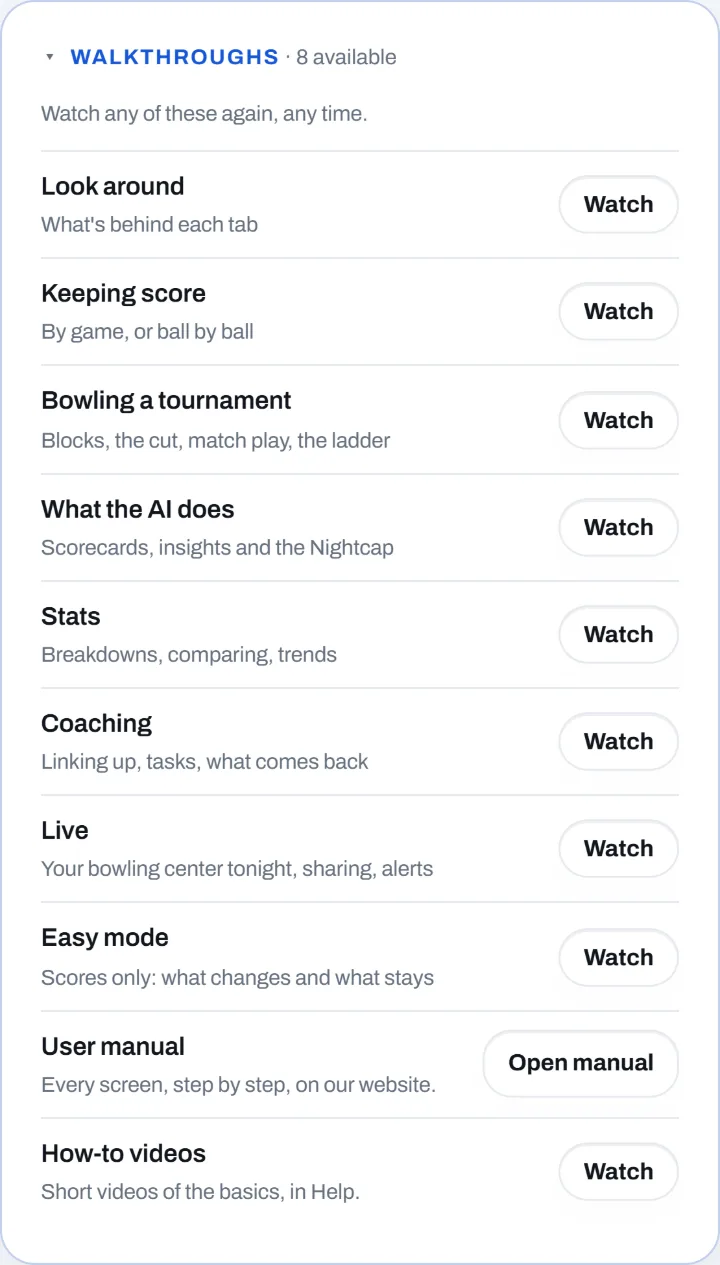
- Walkthroughs is open at the top. Its heading says how many there are, like "8 available".
- Tap Watch beside the one you want.
- Look around: What's behind each tab
- Keeping score: By game, or ball by ball
- Bowling a tournament: Blocks, the cut, match play, the ladder
- What the AI does: Scorecards, insights and the Nightcap
- Stats: Breakdowns, comparing, trends
- Coaching: Linking up, tasks, what comes back
- Live: Your bowling center tonight, sharing, alerts
- Easy mode: Scores only: what changes and what stays
Every one is there for everyone, whatever you bowl.
A walkthrough fills the screen. Each step has a few words and a picture of the screen it's about, with the part that matters lit up. The dots across the top show how far along you are.
- Next and Back move a step.
- Skip stops it at any step.
- On the last step, Start bowling ends it on the tab that step was about.
The user manual
Under the walkthroughs, User manual says "Every screen, step by step, on our website." Tap Open manual and this manual opens in your browser.
The manual is in every language the app is, and its links open it in the app's language:
- Open manual on the Walkthroughs card.
- Open the user manual on the Help screen.
- More about this card under a Stats card's ? text, which opens that card's page.
How-to videos
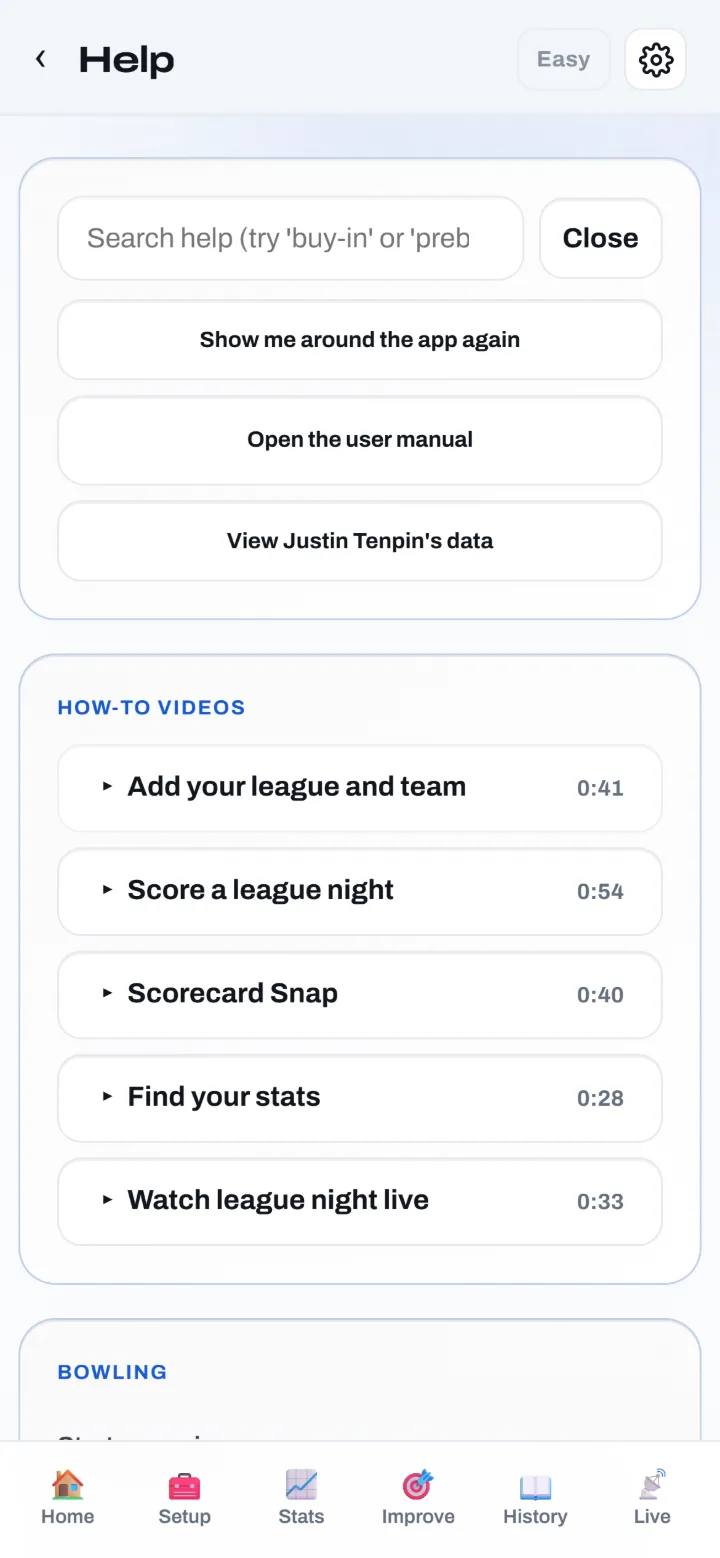
The last row of the Walkthroughs card is How-to videos: "Short videos of the basics, in Help." Its Watch opens Help, where the videos are:
- Add your league and team
- Score a league night
- Scorecard Snap
- Find your stats
- Watch league night live
Each shows how long it is. Tap one and it plays. Tap the video to pause it, and again to carry on. Tap its name again to close it.
The videos are recorded in all six of the app's languages, and play in yours. They stream from the website, so they need a connection. With none, it says "This video didn't load. Check your connection and try again."
Help
Help is a set of short articles about the app, and you can search them.
To open it:
- In Settings, type a word in Search settings and help at the top, like "prebowl".
- Settings that match are listed first. Tap Search help under them to search Help for the same word.
Or tap Watch beside How-to videos.
On the Help screen:
- Type in the search box to find an article. If nothing matches, it says so and suggests a word you'd see in the app, like "spare" or "team".
- With nothing typed, Show me around the app again plays Look around, Open the user manual opens this manual, and View Justin Tenpin's data opens the example account. See The example account.
- Under them are the how-to videos, then every article, grouped by area, from Bowling to Good to know.
- When Open bowling is the mode you last picked on Home, Help shows just the articles about open bowling.
- In another language, Help searches that language and English both.
- Close takes you back.