 MY BOWLING JOURNEY
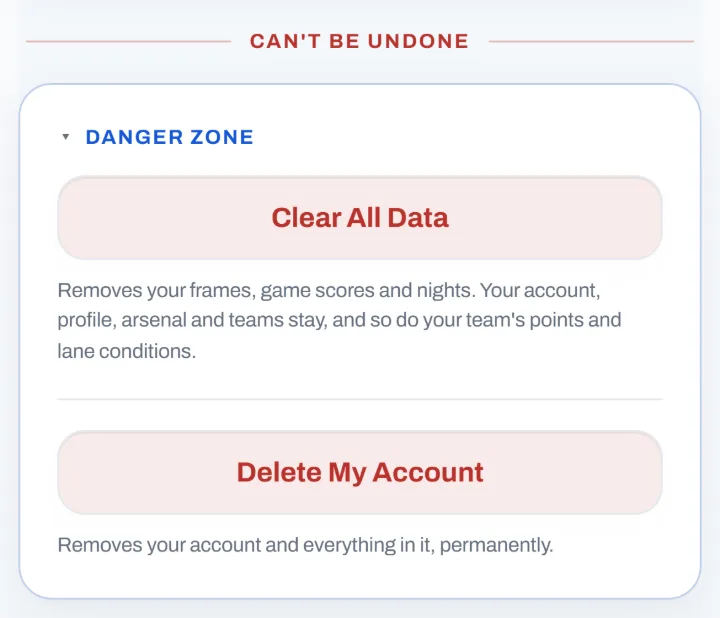
Delete My Account removes your account and everything in it, right away and for good. You don't have to ask anyone or wait. It's there whenever you're signed in, even if you've never scored a game.
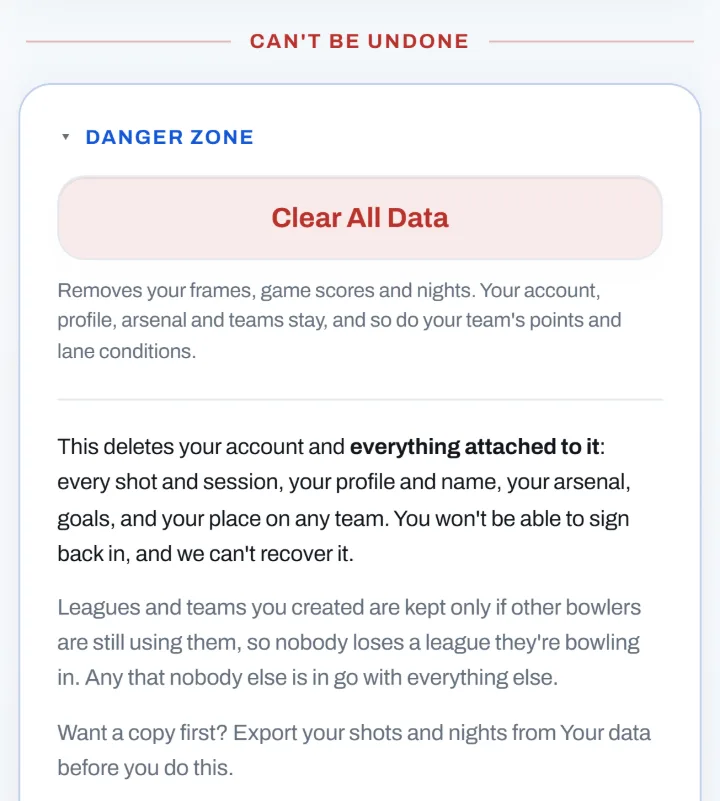
"Want a copy first? Export your shots and nights from Your data before you do this." See Exporting and importing files.
Delete it in the app
- Tap the gear (Settings) at the top right.
- Tap the Account tile.
- Below Can't be undone, open Danger Zone.
- Tap Delete My Account.
- Read what goes.
- Type your email address in the box to confirm. Capitals don't matter. If you signed in with Apple and hid your email, you type DELETE instead. The line above the box says which.
- Tap Permanently Delete. It says Deleting… while it works. Then you're signed out, and the account is gone.
Cancel backs out at any point before that.
It needs a connection. If it doesn't go through, it says so, like "Couldn't delete the account. Try again, or email support@mybowlingjourney.com." Try again when you have signal, or write to that address.
What goes
- Your account: your email address and your sign-in.
- Your profile: your name, hand, style, home centers and goals.
- Every shot, frame, game, score and night you've recorded.
- Your arsenal, bags, lane lines and the patterns you saved.
- Your friendships, your place on any team, coaching links and notes.
You won't be able to sign back in, and it can't be recovered.
What stays
- Leagues and teams you made: "Leagues and teams you created are kept only if other bowlers are still using them, so nobody loses a league they're bowling in. Any that nobody else is in go with everything else."
- Nights you scored for teammates: a teammate with the app keeps the nights you scored for them, in their own History. Nights you scored for someone without the app go with your account.
- What other bowlers recorded: a teammate's own record of a match you both bowled is theirs, and stays with them.
Your Pro subscription
- Bought on Android or on the website: deleting your account cancels it, so you aren't charged again.
- Bought on an iPhone: deleting your account doesn't cancel it. Cancel it on your iPhone, in Settings > your name > Subscriptions. See Subscribing and managing Pro.
If you signed in with Apple on an iPhone, the app also asks Apple to take away its access to your Apple account.
Without the app
Uninstalled it, changed phones, or can't get in? Email support@mybowlingjourney.com from the address your account uses, with Delete in the subject line. My Bowling Journey checks it's you, then deletes the account and its data within 30 days. It's all on the account deletion page.
Clear All Data or Delete My Account?
Clear All Data empties your bowling history and keeps your account. Delete My Account removes the account itself. See Clear All Data.