 MY BOWLING JOURNEY
Nothing is deleted. A night that seems to be gone is usually filed under another date or league, or a screen is set to leave it out. Work down this list.
Is it in History?
- Tap History at the bottom, then Sessions.
- If you see Filter and Oil pattern above the list, set them to All teams and All. Either one can hide nights.
- Still not there? Tap Calendar and look at the day you bowled.
If it's in History, it's saved, and the next parts say why Home or Stats leaves it out. History is your own nights only: the games you scored for teammates are theirs.
Filed under another date
- Prebowled? A night bowled early is filed under the date it counts for, not the day you threw it. See Prebowling a future week.
- Scored a past night? If the date on Set up wasn't changed, the night is under the date it showed, usually the day you entered it. Find it on Calendar.
A night with no league yet
Tapped Skip for now when the app asked for your league? The night is kept apart from your leagues until you link it. Home says "You have a night with no league yet. Link it to your league or team." Tap Link. See Linking nights with no league yet.
A game is missing from a night
- A game scored frame by frame counts once all ten frames are in, or once you type its score. Open the night and finish it, or type the score. See Fixing or deleting a frame or a game.
- A game left blank on an imported scorecard stays blank. It never counts as a 0.
In History, but not on Home or Stats
- This season or Career: a night from an earlier season shows only under Career. With every league together, a season runs 15 August to 15 May, and the summer season 16 May to 14 August.
- Viewing: Stats opens on your own numbers. Set to a team, Mine shows only that league. See Viewing and Compare To.
- Practice and open bowling never count on Stats or in Home's average, and tournament games stay out of your averages. See My average looks different.
- A league you hid: its nights leave Home and Stats, but stay in History. To bring it back, go to Setup > League, find the league and tap Hidden (show again). See Managing your leagues.
- The free plan's one league: with more than one league on the free plan, only your active league counts. The others are paused, not deleted. Your active league in Setup > League names it. See The Pro trial and your active league.
- A night a teammate imported for you: it counts on Stats straight away and waits in your Inbox under Scores To Check. These are right puts it in your History too. See Sending teammates their scores.
Still missing?
- Bowled it on another phone or the website? That one has to send it first. Open the app there with a signal. See Bowling with no signal.
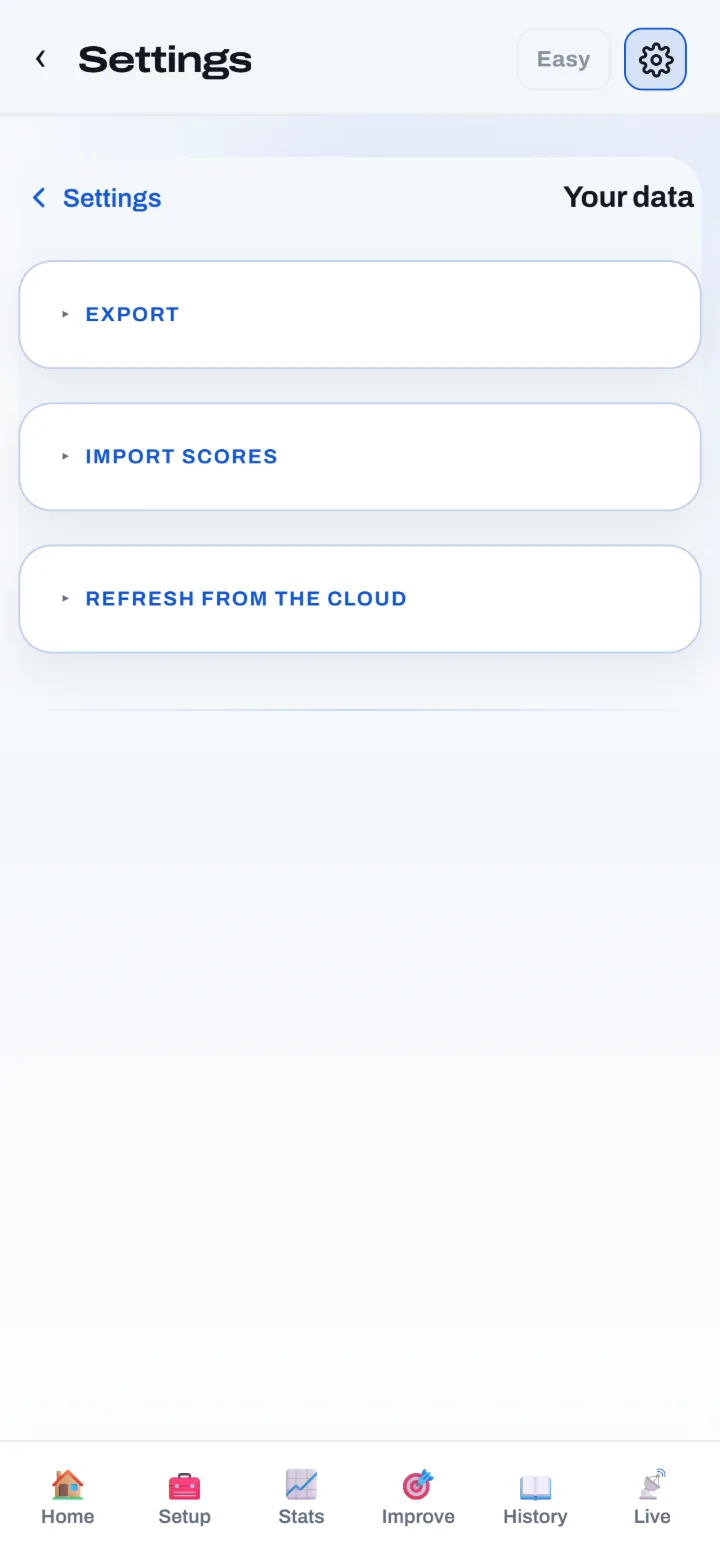
- Then refresh this phone: Settings > Your data > Refresh from the Cloud. It downloads your whole history again, and nothing is deleted. See Refresh from the Cloud.
- Right account? Settings > Account shows the email you're signed in with. See Can't sign in.
- A striped yellow banner across the top? You're in the example account. Tap Back to my profile.